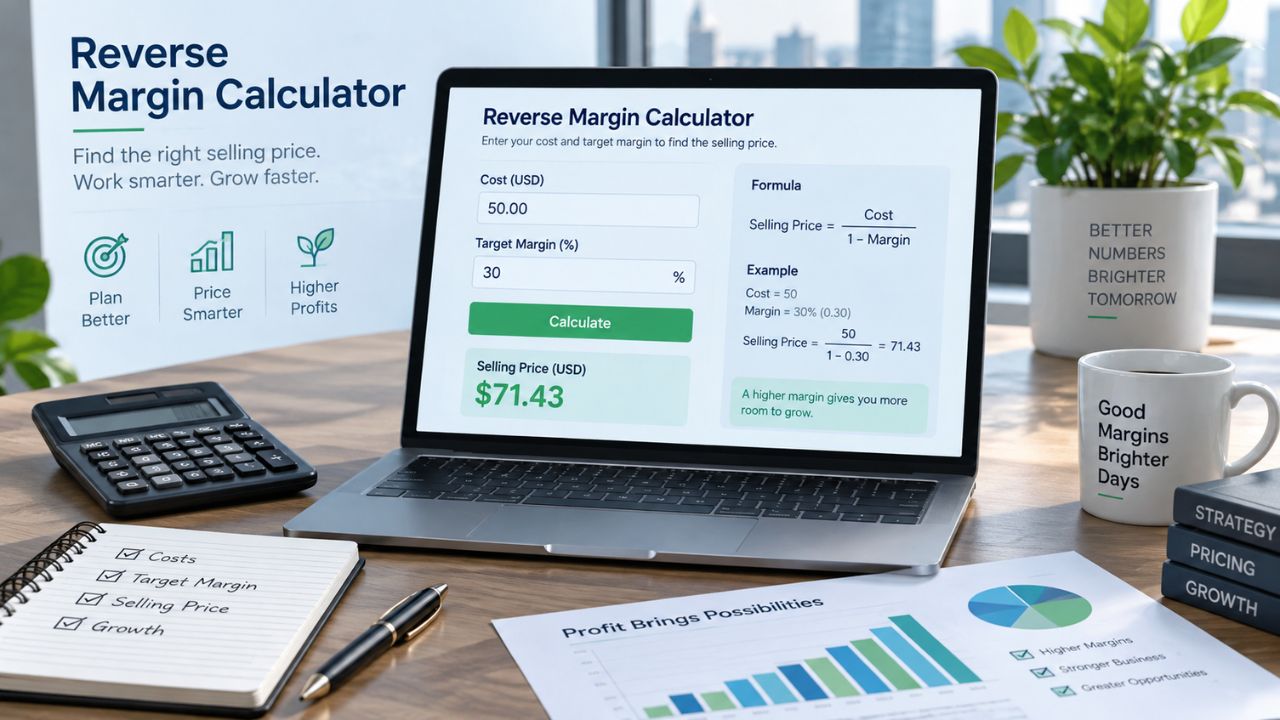
Reverse Margin Calculator
Calculate the selling price required to achieve your target profit margin. You can also find the maximum product cost, calculate your actual margin, and include additional expenses.
All monetary amounts are in US dollars. Calculations are based on per-unit costs unless otherwise stated.
Your Reverse Margin Results
Gross margin excludes the optional expenses. Adjusted margin includes the shipping, processing fees, and other direct costs you enter. Neither result necessarily represents accounting net profit.
Detailed Calculation Breakdown
Review the product cost, required selling price, expenses, and estimated profitability.
| Calculation | Result |
|---|---|
| Calculation Mode | — |
| Product Cost per Unit | — |
| Selling Price per Unit | — |
| Target Gross Margin | — |
| Gross Profit per Unit | — |
| Actual Gross Margin | — |
| Markup | — |
| Shipping per Unit | — |
| Processing Fee Rate | — |
| Processing Fees per Unit | — |
| Other Direct Costs per Unit | — |
| Total Cost per Unit | — |
| Adjusted Profit per Unit | — |
| Adjusted Profit Margin | — |
| Quantity Sold | — |
| Total Revenue | — |
| Total Product Cost | — |
| Total Additional Expenses | — |
| Total Profit After Entered Costs | — |
How to Use the Reverse Margin Calculator
A reverse margin calculator helps you determine the selling price required to achieve a specific profit margin.
Instead of entering a selling price and calculating the margin, you enter your product cost and desired profit margin. The calculator works backward to determine the required price.
You can also calculate the maximum product cost allowed for a target margin or estimate profit after shipping and payment fees.
Step 1: Choose a Calculation Mode
Select whether you want to find a selling price, maximum product cost, actual margin, or target selling price after expenses.
Step 2: Enter Product Cost
Enter the cost to purchase or manufacture one unit of your product.
Avoid including the same expense in both the product cost and additional cost fields.
Step 3: Enter Your Target Margin
Enter your desired gross profit margin as a percentage.
For example, enter 40 if you want to achieve a 40% gross margin.
Step 4: Include Optional Expenses
Enter shipping, processing fees, and other direct costs if you want to calculate profit after these expenses.
Step 5: Calculate
Click Calculate to display the required selling price, gross profit, markup, adjusted margin, and estimated total profit.
Reverse Margin Formula
The reverse margin formula calculates selling price using product cost and a target gross profit margin.
Convert the target margin into decimal form before using the formula.
For example, a target margin of 40% becomes 0.40.
Reverse Margin Calculation Example
Suppose a product costs $50 and you want a 40% gross profit margin.
Selling Price = $83.34
The unrounded result is approximately $83.3333. Rounding upward to $83.34 ensures the selling price meets or slightly exceeds the 40% target.
The resulting gross profit is $33.34 per unit.
Reverse Margin Formula With Fees
Businesses may need to account for additional expenses when setting selling prices.
This calculator supports shipping costs, fixed transaction fees, percentage processing fees, and other direct expenses.
Both percentages must be converted into decimal form.
This formula assumes the percentage processing fee is based on the selling price alone. It also assumes all entered costs apply to one unit.
Maximum Product Cost Formula
If you already know your selling price, you can work backward to determine the maximum product cost for a desired gross margin.
For example, a product selling for $100 with a 40% target gross margin can have a maximum product cost of $60.
This calculation excludes additional expenses such as shipping and processing fees.
Gross Margin vs. Markup
Gross margin and markup measure profit using different denominators.
Markup (%) = Gross Profit ÷ Product Cost × 100
A product costing $50 and selling for $100 has a gross profit of $50.
Its gross margin is 50%, while its markup is 100%.
How to Improve Product Profit Margins
Businesses can review product costs, supplier prices, packaging expenses, and payment processing fees.
Improving inventory management and reducing avoidable operating expenses may also support profitability.
Before changing selling prices, consider customer demand, competitor pricing, and the value customers receive.
Frequently Asked Questions
What is a reverse margin calculator?
A reverse margin calculator determines the selling price required to achieve a desired profit margin based on product cost.
How do I calculate selling price from profit margin?
Divide your product cost by one minus your target profit margin expressed as a decimal.
How do I calculate a 40% profit margin?
Divide the product cost by 0.60. For a product costing $50, the minimum selling price rounded to cents is $83.34.
What is the difference between reverse margin and regular margin?
Regular margin calculations use selling price and cost to determine profit margin. Reverse margin calculations use cost and a target margin to determine selling price.
Can I calculate the maximum product cost?
Yes. Select the maximum product cost mode, enter your selling price and target margin, and calculate.
Does the calculator include payment processing fees?
Yes. You can enter a percentage processing fee and a fixed transaction fee. These affect adjusted profit and target pricing after expenses.
Can I enter a 100% profit margin?
A 100% gross margin cannot be achieved at a finite selling price with positive product costs. Maximum-cost mode allows a 100% target, producing a maximum product cost of zero.
Why is my actual margin slightly higher than my target?
The calculator rounds target selling prices upward to the nearest cent. This prevents rounding from reducing the achieved margin below the target.
What happens if product cost is zero?
Markup becomes undefined because it requires division by product cost. Gross margin may still be calculated when selling price is positive.
Does adjusted profit represent net profit?
Not necessarily. Adjusted profit subtracts only the additional expenses entered in the calculator. Unentered costs, taxes, and other business expenses are excluded.